
WordPress Studio, a free and open source local development tool, has received a significant Update that improves performance, simplifies installation, and integrates a new artificial intelligence model. The changes are intended to assist developers building plugins, themes, blocks, and full websites.
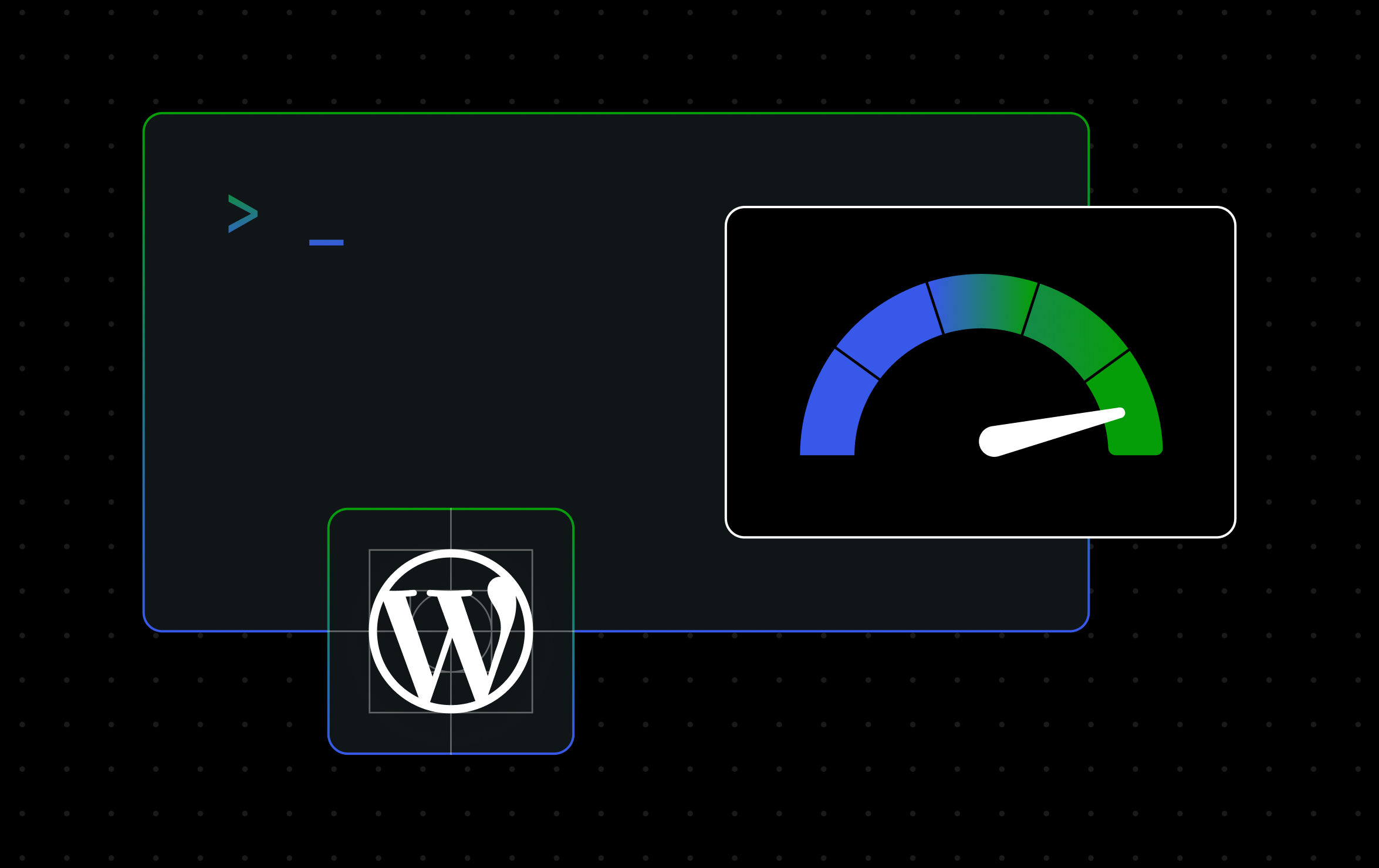
The first major change involves site Speed. The application now features a new default Native PHP runtime. According to Automattic, page loads are now 30 to 50 percent faster. Local Studio sites also use less than a third of the memory compared to previous versions. The performance gain is most noticeable on sites with many plugins.
The Native PHP runtime achieves speed by running sites with fewer abstractions. However, developers who prefer to contain a site’s code strictly can switch a site to the Sandbox runtime option. This setting is accessible under Site Settings, then Edit site, then PHP runtime. The Sandbox runtime, powered by WordPress Playground, prevents a site’s code from running other programs on the machine or accessing folders outside its own. This feature is live for all Studio users on version 1.12.0 or later.
The second change concerns the Studio command line interface (CLI). The CLI can now be installed with a single command that does not require any dependencies. Users no longer need to install Node.js or npm first. The installation command varies by operating system. For macOS and Linux, the command is: curl -fsSL https://wordpress.studio/install.sh | bash. For Windows, the command is: irm https://wordpress.studio/install.ps1 | iex.
Once installed, the CLI allows users to manage and create local sites, push and pull sites, run WP-CLI commands, push to production or staging, and access Studio Code. Studio Code is a purpose-built AI coding agent for WordPress. Users who previously installed Studio CLI via npm will continue to receive updates.
The third change involves Studio Code, the AI coding agent integrated into the desktop application. It now uses Anthropic’s Claude Sonnet 5 model by default. The Sonnet 5 model is described as being better at multi-step tasks. These tasks include tracing a bug across several files, reading logs, reasoning about theme and plugin code, and executing a fix instead of just describing one.
Because Studio Code operates directly inside the local Studio environment, it has the full context of the site. Users can direct it to a broken element, and it can check logs, find relevant code, explain the problem, and propose a change for review before application. Users can also start from scratch and build a plugin, create a custom block, spin up a custom post type, or tweak a theme using plain language instructions.
No action is required to use Sonnet 5 for users on Studio version 1.14.0 or later, as it is the default model. Users can change the model by selecting it from a drop-down menu in the desktop app or by using the /model command in the terminal.
Background
WordPress Studio was launched as a tool for local WordPress development. The updates are part of a series of monthly improvements. The company behind the tool has indicated that more features are planned for the coming weeks and months.
Implications
The removal of the Node.js dependency for the CLI lowers the barrier to entry for developers who did not want to install the runtime solely for Studio. The switch to a native PHP runtime addresses a common complaint about local development environments being slow and memory intensive. The integration of the newer AI model suggests a focus on making the tool more autonomous for debugging and code generation tasks.
Next Steps
Users can update to Studio 1.12.0 or later to use the faster PHP runtime. Documentation for the CLI is available on the developer site. The release notes and feedback channels are hosted on GitHub. Additional updates to WordPress Studio are expected in the near future.
Source: Developer.WordPress.com