
A new development tool designed to simplify the process of collecting and implementing client feedback on websites was demonstrated at WordCamp Europe earlier this year. The feature, part of the Studio Code environment from WordPress.com, aims to replace a common workflow involving screenshots and manual annotations.
Studio Code is a command line tool that functions as an agentic coding assistant for WordPress development. It operates locally on a user’s computer, allowing developers to build sites, plugins, and themes by describing tasks in plain language. The tool is part of the broader WordPress Studio suite of developer tools.
The /annotate command
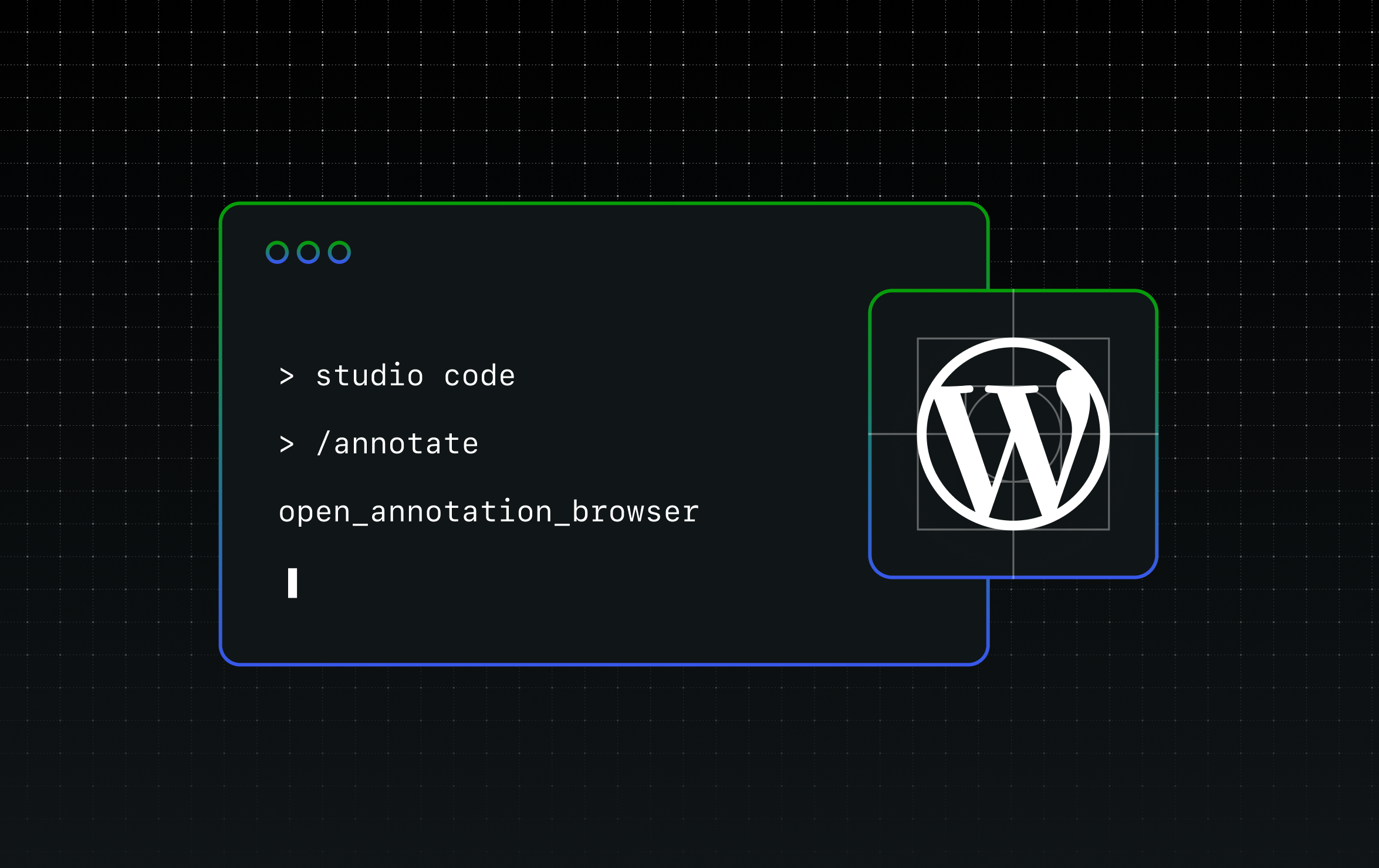
A key feature within Studio Code is a slash command called /annotate. This command allows a developer to provide specific feedback on a website’s design or functionality without leaving the terminal environment.
When a developer executes the /annotate command, the tool opens a browser window displaying the local version of the site. The user can then click on individual page elements to attach feedback directly to that component. Multiple annotations can be gathered in a single session before being sent back to the coding agent for processing.
According to a demonstration at the event, this process replaces a more cumbersome method. Previously, a developer would need to create a site, take screenshots of elements needing changes, manually annotate those screenshots with arrows or text, upload the images back to the coding agent, and explain the desired changes. This loop would repeat until the agent correctly implemented all modifications.
With the /annotate command, the developer can click on elements, provide specific feedback, and submit all requests at once. The Studio Code agent then applies all the requested changes in a single iteration.
Implications for client collaboration
During a conversation at the WordCamp Europe booth, an agency partner suggested the feature could be particularly useful during client calls. The process would involve a developer sharing their screen with a client, who would point out changes as they review the site. The developer would then use the /annotate command to capture all feedback in real time. Once the session is complete, Studio Code implements the edits on the local site.
The updated local site can then be pushed to a live, WordPress.com hosted environment in a few steps. This workflow is intended to reduce the time spent in feedback loops between developers and clients.
Availability and current status
Studio Code is currently in a beta testing phase. It can be accessed by downloading the Studio CLI, which is available through the desktop application or directly from a terminal. Once installed, users can select or create a local WordPress site and run the /annotate command to test the feature.
During the beta period, the tool offers unlimited token usage for building and testing. Developers are encouraged to provide feedback on the tool’s performance and functionality through the official project repository on GitHub.
The beta phase is expected to continue for an unspecified duration, with further updates and refinements anticipated based on user input. The eventual timeline for a full, stable release has not been announced.