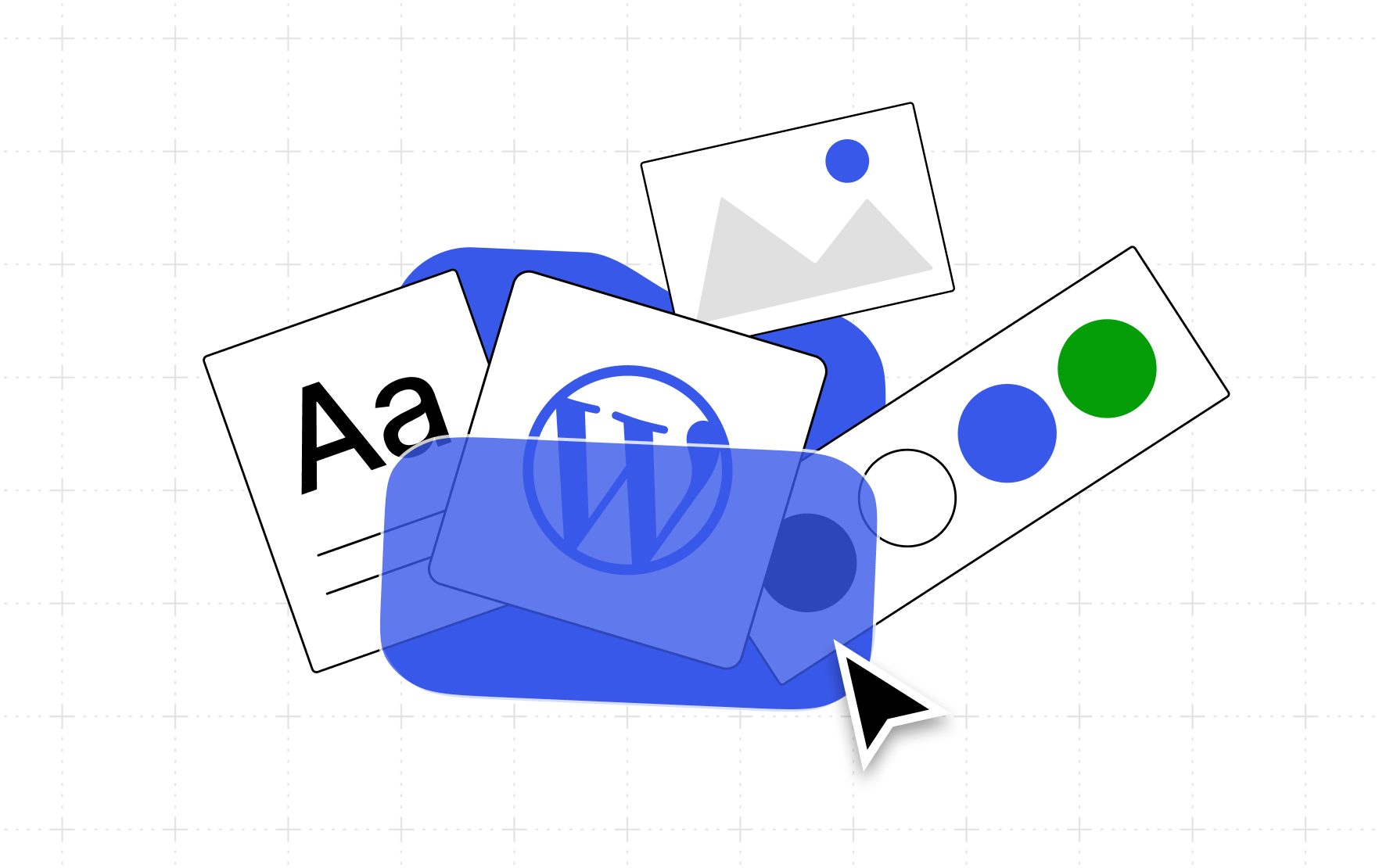

WordPress.com has introduced a new feature called Guidelines, designed to give its artificial intelligence assistant, the WordPress Agent, a persistent memory of a user’s brand and preferences. The feature addresses the common problem of AI tools producing generic content by requiring users to repeatedly explain their brand’s voice, visual style, and goals for each new task.
The new system allows site owners to define their brand parameters once, and the WordPress Agent will then use this stored information to guide its work across all its interfaces, including the site editor, Telegram, and email. This development is part of WordPress.com’s broader push to integrate AI more deeply into its content creation and site management workflows.
How the Guidelines Feature Works
The Guidelines feature is accessed through the site’s dashboard under Settings and then Guidelines. It is structured to allow users to define their site’s characteristics in several distinct sections, covering aspects such as writing style, image preferences, and overall goals.
For users who do not want to manually fill in every field, the system offers a “Suggest guidelines” option. This function prompts the WordPress Agent to analyze existing site content, including posts and pages, to draft the guidelines automatically. Users can then review these suggestions, accepting, editing, or dismissing them as needed.
There is also an “Improve with AI” tool designed to help users refine sections they have already written. The core function of the system is to create a single, durable set of rules that the WordPress Agent consults, eliminating the need for users to repeat their brand information with every new task.
Applications for Different User Types
WordPress.com states that the Guidelines feature is designed to be useful for all types of site owners, with the primary benefit shifting depending on the user’s needs. For small business owners and solo operators, the feature aims to save time by setting the brand tone once, for example, specifying a “warm and plain-spoken” style, so that all AI-assisted work starts on-brand.
For creators and publishers, the tool is intended to help AI generate content that matches their personal voice, rather than producing generic, impersonal copy. The system allows them to set a conversational, first-person style and then use the AI for tasks like editing and review.
Sellers are expected to benefit from consistency in product descriptions and imagery. Users can set rules for photography style, such as “white background, soft shadow,” and for copy standards, like prioritizing benefits over specifications. This ensures that all generated images and refined descriptions adhere to a consistent standard.
Agencies and developers building sites for clients can use the feature to create a specific memory for each client site. This allows for smoother handovers, as the site itself will contain the necessary brand context, reducing the need for the original builder to remain involved in every task. For developers, the feature provides a reviewable specification for the AI to work within, which can help prevent the AI from generating off-brand or incorrect output.
Shared Memory for Teams
According to the company, the utility of the Guidelines feature increases with the number of people working on a site. It acts as a shared memory and a single source of truth for both human contributors and the WordPress Agent.
This is intended to ensure that a site’s voice and visual direction remain consistent, even when different team members are working on it. The established rules are stored with the site itself, rather than relying on an individual team member’s knowledge.
Setup and Availability
To use the Guidelines feature, users must first have the WordPress Agent enabled on a paid WordPress.com plan. The company also suggests connecting Telegram and email integrations for broader access.
The setup process begins by navigating to Settings followed by Guidelines in the site’s dashboard. Users can then use the “Suggest guidelines” feature to generate a starting point based on their existing content, which they can then edit to fit their exact needs. Once established, the guidelines are automatically used by the WordPress Agent when it helps with tasks in the editor, via Telegram, or via email.
The rollout of this feature is part of a continued effort by Automattic, the parent company of WordPress.com, to integrate its AI assistant more thoroughly into the content creation process. The company has not yet announced specific future developments for the Guidelines feature, but the current tool is now available to all users on eligible plans.