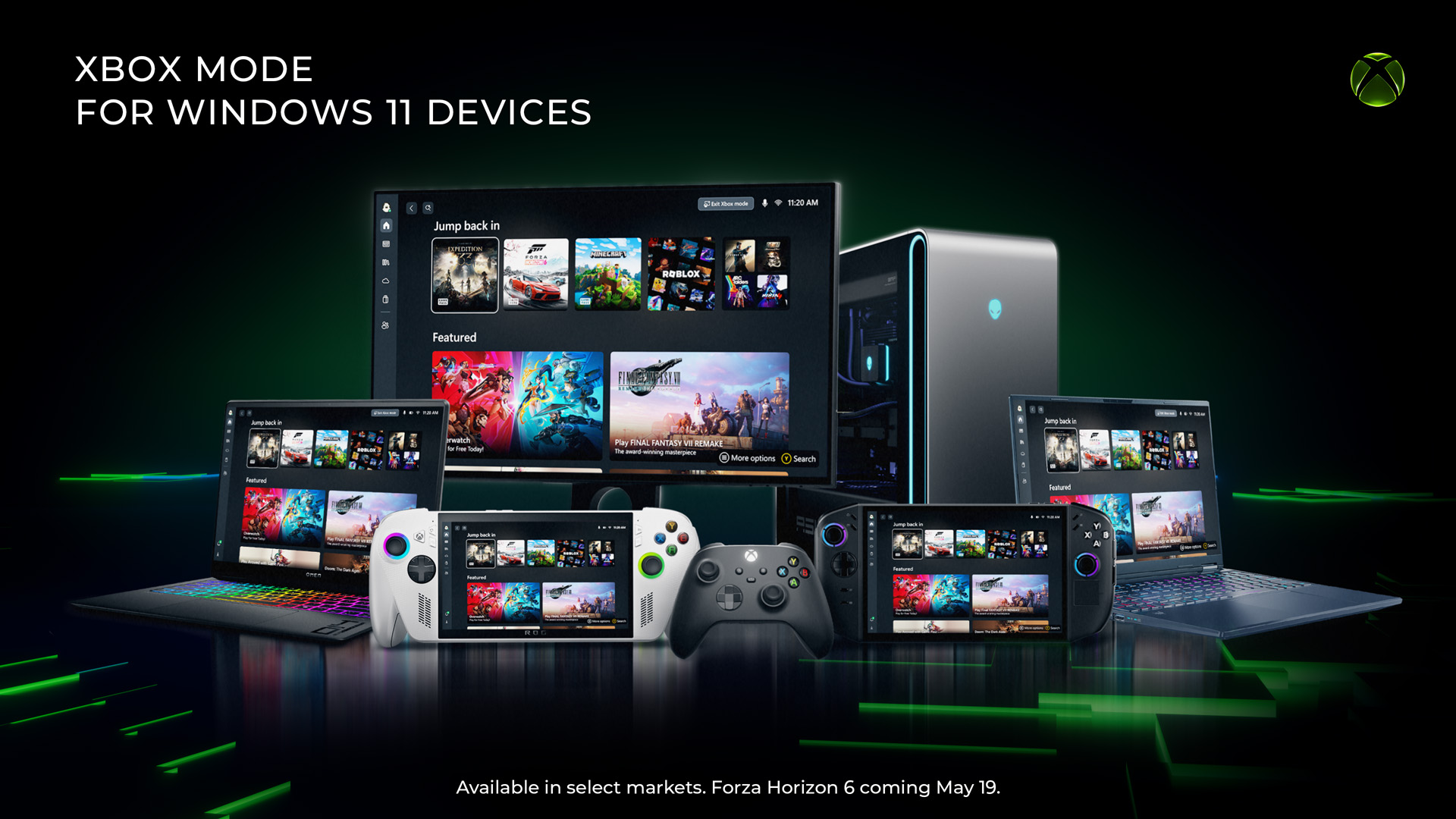

Microsoft has officially rolled out a new Xbox Mode for Windows, a feature designed to enhance the gaming experience when using a controller. The announcement was made recently, marking a significant update for PC gamers who prefer console-style input methods.
The feature, now available to Windows users, is specifically tailored to optimize system performance and user interface elements when a controller is connected. According to the company, this mode automatically adjusts settings to reduce input lag and improve overall responsiveness, ensuring a smoother gaming session.
Xbox Mode functions by reconfiguring background processes and system resources. When activated, the operating system prioritizes gaming applications and minimizes non-essential tasks. This includes turning off notifications, reducing background activity, and streamlining the interface to focus solely on the game being played. The mode is triggered automatically upon connecting an Xbox controller, though users can manually enable or disable it through system settings.
The rollout is part of Microsoft’s broader strategy to bridge the gap between console and PC gaming. By introducing a dedicated mode, the company aims to provide a unified experience across devices. This move reflects the growing trend of cross-platform gaming, where players expect seamless transitions between hardware.
Pricing for Xbox Mode has not been disclosed as a standalone service. Instead, it is included as a standard feature within the Windows operating system. Users do not need to pay an additional fee to access it, making it available to all Windows 10 and Windows 11 users. However, some advanced functionalities may require an active Xbox Game Pass subscription, though basic controller optimization remains free.
Industry analysts have noted that this update could simplify the gaming setup for many users. By automating performance tweaks, Microsoft reduces the need for manual configuration, which often intimidates less technical players. This accessibility could potentially broaden the PC gaming audience.
How Xbox Mode Works
The system detects when a compatible controller is connected and initiates the mode. It then adjusts display settings, audio output, and power management to favor gaming performance. For example, it can disable automatic screen dimming or keyboard shortcuts that might interrupt gameplay.
Compatibility and System Requirements
Xbox Mode supports all modern Xbox controllers, including the Xbox Series X|S and Xbox One models. It requires Windows 10 version 2004 or later, or any version of Windows 11. Older operating systems are not supported. Users must also ensure their drivers are up to date.
Market Reaction and Implications
Early responses from the gaming community have been largely positive. Many users have reported noticeable improvements in game smoothness and reduced stutter during intensive titles. However, some power users have expressed a preference for manual control over system settings, suggesting that the mode may not suit all preferences.
The introduction of Xbox Mode also has implications for competing platforms. While similar features exist on other operating systems, Microsoft’s integration is uniquely tied to its hardware ecosystem. This could encourage more users to adopt Xbox controllers and related peripherals.
Security and Privacy Considerations
Microsoft has stated that Xbox Mode does not collect additional user data beyond standard telemetry. The feature operates locally on the device and does not transmit personal information to remote servers. Users retain the ability to disable the mode entirely through system settings.
Future Developments
Microsoft has indicated that Xbox Mode will receive regular updates to improve functionality and expand compatibility. Future versions may include customizable profiles for different game genres or hardware configurations. The company is also exploring integration with cloud gaming services, though no official timeline has been provided.
As the gaming landscape continues to evolve, features like Xbox Mode represent a step toward more cohesive user experiences. The rollout is expected to continue over the coming weeks, with all eligible Windows devices receiving the update automatically.
Source: GeekWire