
Automattic, the company behind WordPress.com, has released a beta version of a new command line tool called Studio Code, designed to act as a specialized coding agent for WordPress developers. The tool is now available for testing through the company’s Studio CLI.
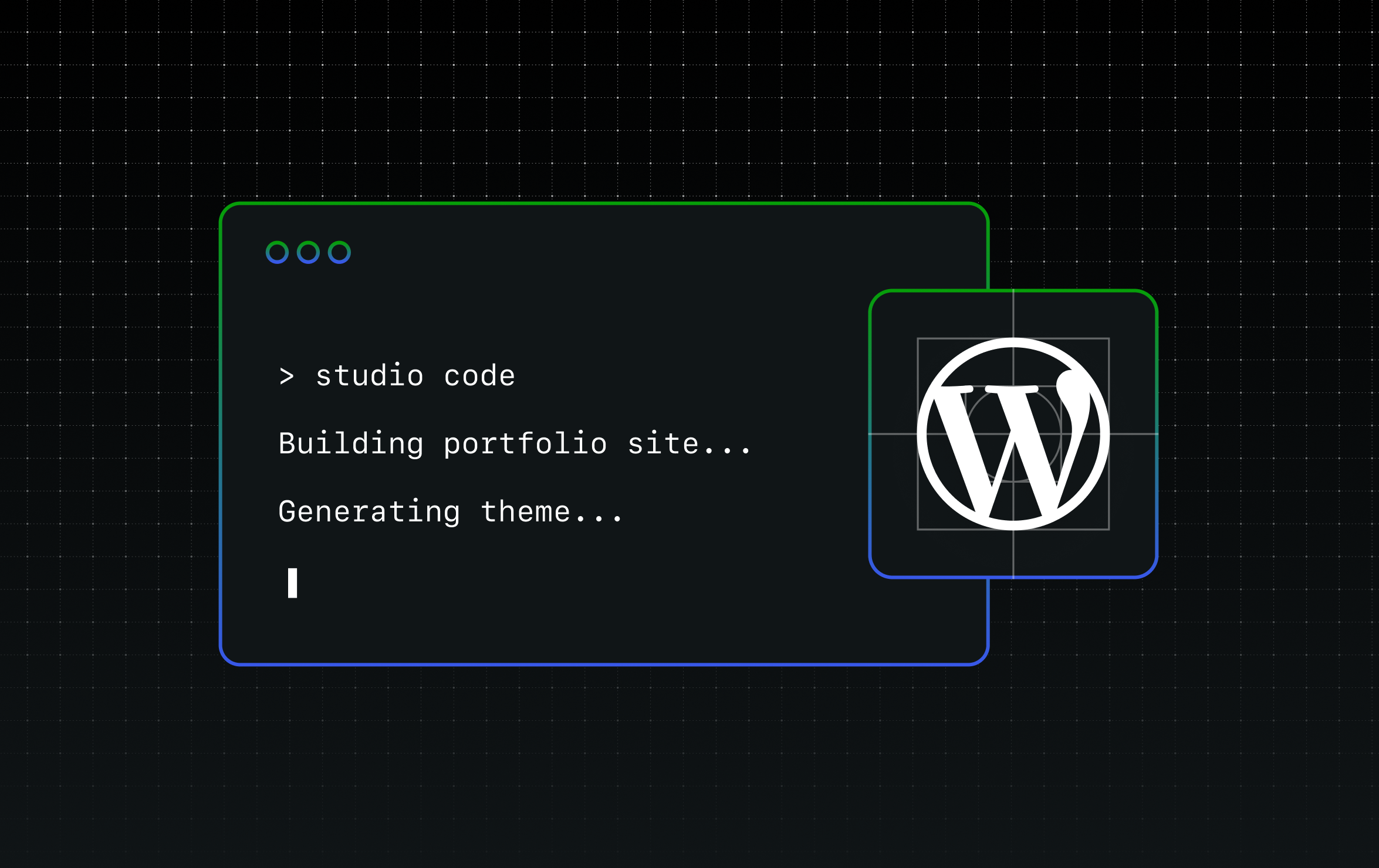
Studio Code is a terminal based tool that functions as a dedicated WordPress development assistant. According to the company, it can read codebases, edit files, run commands, and spin up local WordPress sites while adhering to WordPress best practices. The tool is built on top of technologies used in Claude Code, but has been customized for the specific requirements of WordPress development.
The company stated that general purpose coding agents lack the ability to interact with a WordPress environment directly. Studio Code, in contrast, can spin up local environments, run WP-CLI commands, validate block markup against the real editor, and take screenshots to verify output. The tool accepts instructions in natural language and attempts to build the requested features automatically.
Capabilities of the Beta
During the beta phase, Studio Code can perform several tasks relevant to WordPress site development and management. The tool can build a complete WordPress site from a description or a reference URL. This includes designing a full block theme with layout, typography, color palette, and page content. It also selects fonts, writes CSS, creates pages, checks the visual output via screenshots, and attempts to fix any detected issues.
Users can manage local WordPress sites using natural language commands, including creating sites, starting and stopping them, installing plugins, activating themes, setting options, and creating posts and menus. The tool uses WP-CLI as its underlying engine but allows users to interact without directly using WP-CLI commands.
The tool also validates block content before insertion. Block markup must be structurally valid, otherwise the WordPress editor will reject it. Studio Code runs each generated block through its save function in an actual browser to ensure compatibility.
A performance auditing feature, called the “/need-for-speed” skill, allows users to run a performance audit on a local site and receive specific, actionable recommendations for improvement.
Studio Code also supports previewing and publishing to WordPress.com. Users can generate a hosted preview site link and push or pull content from WordPress.com, where the hosted site would be backed by managed hosting, built-in security, and expert support.
An additional feature allows users to clean up WordPress category taxonomies through natural language instructions. The tool can audit existing categories, merge duplicates, retire unused ones, create missing categories, and re classify posts without requiring manual interaction with the category settings.
Development Approach and Availability
Automattic said it decided to release the tool early to gather feedback and shape its development, rather than refining it privately before launch. The company acknowledged that the core experience is functional and that users are already building real sites with it, but that improvements are ongoing.
The company stated that it is refining the tool’s design intelligence, improving its handling of complex layouts, and expanding its capabilities for working with existing sites. The tool is being developed in public, with the company calling this an early stage in the conversation with users.
During the beta period, Studio Code is being offered for free. Automattic noted that this may change in the future and that user feedback will be considered before finalizing pricing.
To use the beta, developers must have the Studio CLI installed, which is available either from the desktop app or directly from the terminal. The command “studio code” then starts the tool.
The company has directed users to open GitHub issues for thoughts, feedback, bug reports, and enhancement requests. Documentation for the tool is also available online for further guidance.
Source: Delimiter Online