
WordPress Studio has released version 1.7.0, a significant update that introduces a fully featured Command Line Interface for developers. The release, announced this week, expands the tool’s capabilities beyond managing preview sites to encompass comprehensive local site management and Automation.
The new Studio CLI is designed to allow users to control their local WordPress development environment directly from a terminal. This shift enables faster, repeatable, and automatable workflows, particularly for developers and power users who build WordPress sites locally.
Core Functionality of the Updated CLI
The command line tool now covers four primary operational areas. These include authentication management for a WordPress.com account, creation and updating of WordPress.com hosted preview sites, local site management, and integrated WP-CLI functionality.
To begin using the CLI, users must enable it within the WordPress Studio application’s settings menu. Once activated, a global ‘studio’ command becomes available in the terminal, structured as ‘studio <area> <command> [options]’. Users can view an overview of available commands by running ‘studio –help’.
Local Site Management Commands
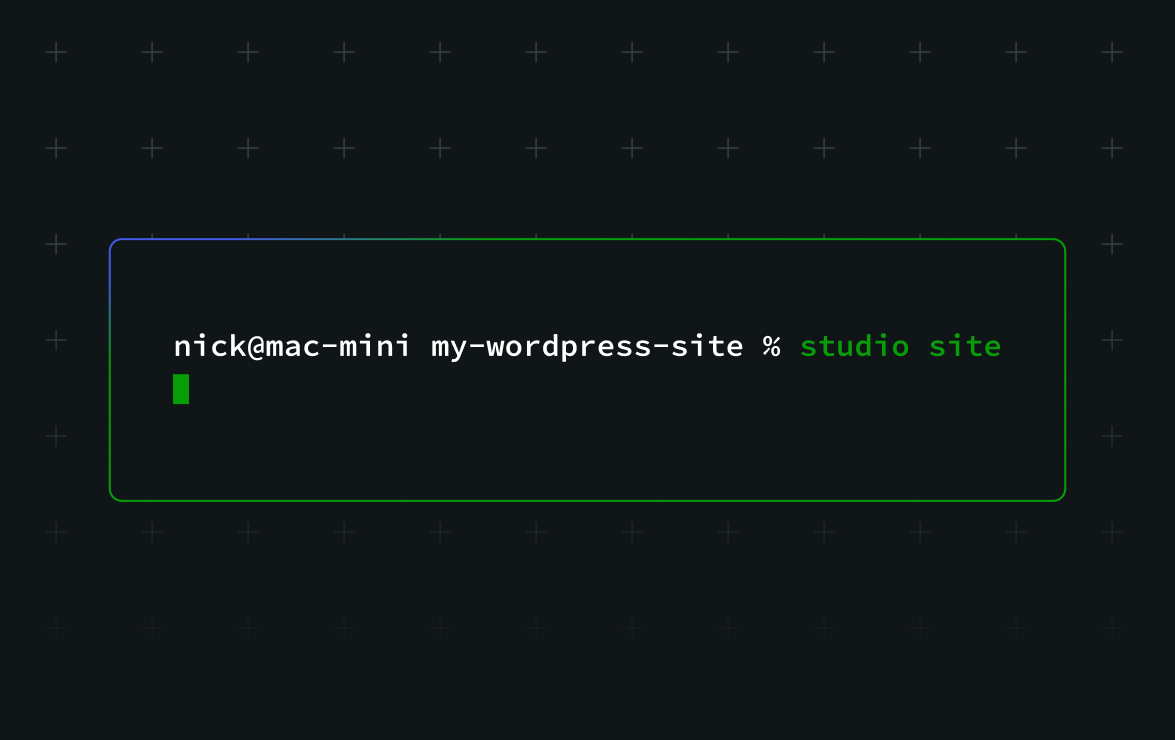
A major upgrade in this version is end-to-end local site management from the terminal. The ‘studio site’ command provides a suite of sub-commands for routine tasks. Users can create a new site with default options or specify custom domains and directories. The system will set up the local WordPress environment, start the server, and open WP Admin upon completion.
Additional site management commands allow users to list all local sites known to Studio, check the status of a site in the current directory, and start or stop sites. Status output includes whether the site is running, its local URL, and key configuration details like PHP version.
For project cleanup, commands exist to remove a site from Studio or delete it along with all associated files. Configuration changes, such as adjusting PHP version, local domain, or port, can be made using the ‘studio site set’ command.
Authentication and Preview Site Handling
For features requiring a WordPress.com account, such as creating preview sites, dedicated authentication commands are available. ‘studio auth login’ initiates a browser-based login flow, ‘studio auth status’ shows the active account, and ‘studio auth logout’ clears credentials.
The CLI provides a complete set of commands for managing temporary, shareable preview sites hosted on WordPress.com. Users can create, list, update, and delete these preview environments directly from the terminal, using the host value from the list output for update and delete operations.
Integrated WP-CLI and AI Workflow Potential
Version 1.7.0 integrates WP-CLI, the official command-line interface for WordPress, directly through a ‘studio wp’ command. This eliminates the need for separate installation or configuration. From a site’s root directory, users can run common WP-CLI tasks, such as checking the WordPress version, listing plugins, or running database updates, with Studio automatically setting the correct environment variables and paths.
The update is noted for its compatibility with AI-assisted development workflows. The structured, command-based nature of the CLI allows AI coding tools to execute repetitive tasks like environment setup, diagnostics via WP-CLI, and preview site deployment. For effective use, it is recommended that users provide the AI agent with context about the Studio environment and work from the correct site root directory.
Official documentation for the Studio CLI has been updated alongside this release, providing a full command reference and advanced options for users.
Looking forward, the enhanced CLI is expected to further integrate into automated development and testing pipelines. Its design as a common interface for automation tools positions it as a foundational component for scripted WordPress site management and continuous integration processes.
Source: WordPress Developer Blog