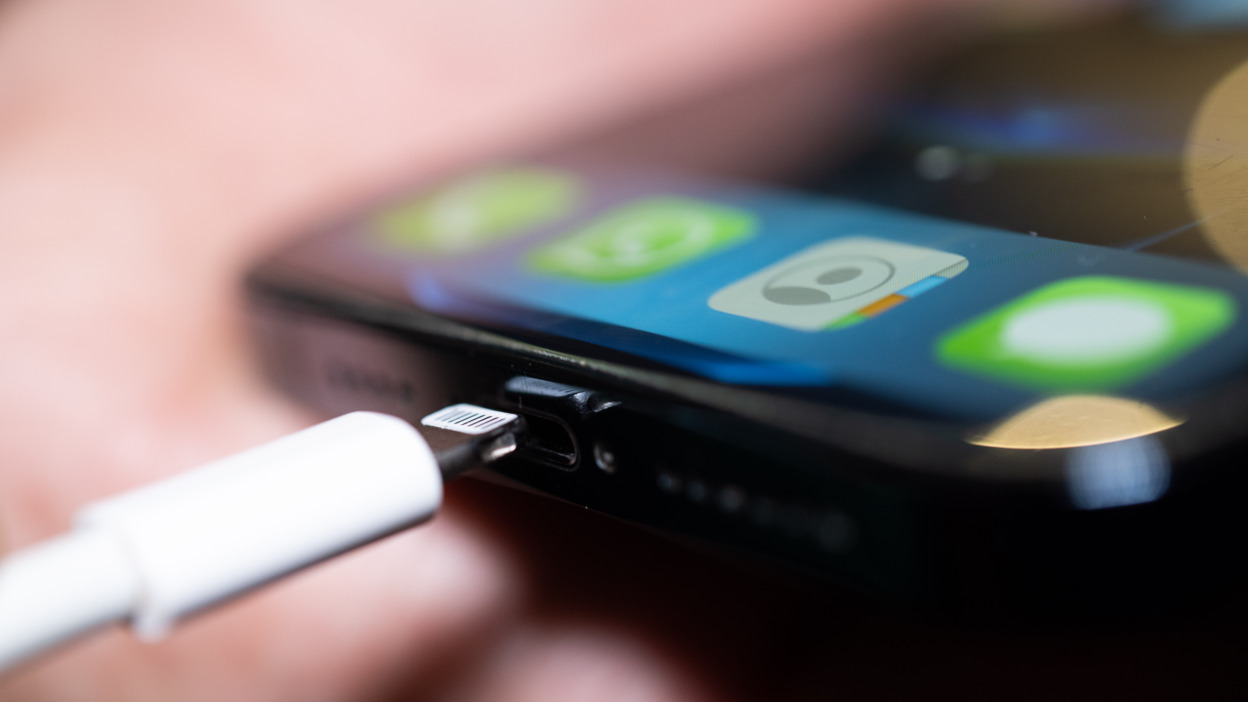

A feature within Apple’s iOS operating system is gaining renewed attention for its ability to automate voice announcements when an iPhone is connected to a power source. The functionality, which utilizes the built-in Shortcuts app, allows users to create a personalized auditory confirmation that their device has begun charging. This capability has circulated across social media platforms and technology forums, highlighting the depth of Automation available to iPhone users.
How the Automated Announcement Works
The process is facilitated entirely through the Shortcuts application, a tool pre-installed on iPhones running recent versions of iOS. Shortcuts enables the creation of multi-step automated workflows, known as “automations,” that execute when specific conditions are met. In this case, the trigger condition is the physical connection of the iPhone to a charger or power adapter.
Users can configure the automation to perform a variety of actions upon triggering. The popular implementation involves having the device speak a custom phrase, such as “Phone is now charging” or any other user-defined text. The automation can also be set to play a specific sound, send a notification, or log the charging event, all without any manual intervention after the initial setup.
Technical Implementation and Accessibility
Setting up the feature requires navigating to the Automation section within the Shortcuts app. Users select the option to create a new personal automation and then choose “Charger” as the trigger. They can specify whether the action should run when the phone is connected, disconnected, or both. The subsequent action is typically the “Speak Text” function, where the desired announcement phrase is entered.
This functionality is part of Apple’s broader accessibility and convenience features. It can serve as an auditory cue for individuals with visual impairments, confirming a successful connection without needing to look at the screen. For all users, it provides a hands-free confirmation, which can be particularly useful in low-light conditions or when the device is placed out of immediate view.
Context of iOS Automation Features
The Shortcuts app and its automation capabilities have been integral components of iOS for several years, evolving from the earlier Workflow app acquired by Apple. The platform allows for sophisticated device control, integrating with native apps for calendar, reminders, messages, and home automation, as well as many third-party applications. The charger-triggered automation is one of numerous pre-defined Triggers available, which also include time of day, arrival at a location, and opening a specific app.
Technology analysts note that while this specific use case is not a newly released function, its viral spread demonstrates a common pattern where existing, powerful features are rediscovered and shared widely by users online. It underscores a gap between the advanced capabilities of modern smartphone operating systems and general user awareness of all available tools.
Potential Developments and Next Steps
Looking ahead, Apple is expected to continue expanding the scope and intelligence of its Shortcuts automation platform. Industry observers anticipate tighter integration with other Apple services and hardware, potentially allowing for more complex, context-aware automations that combine multiple triggers and actions. The focus on accessibility and personalized device interaction is likely to remain a priority in future iOS updates, with similar features being refined and promoted to a wider audience through official channels and developer documentation.
Source: Mashable