
WordPress.com has launched an upgraded version of its Code block for the platform’s block editor. The update, released this week, introduces syntax highlighting and new configuration options aimed at improving the display of code snippets within blog posts and tutorials.
This enhancement represents the second phase of a broader initiative to improve code editing tools on the platform. The first stage, introduced last year, focused on updating the code editors within the block editor and the Additional CSS input box in the WordPress admin area.
The new features are now available to all users. The improved block is not a separate tool but an update to the existing Code block. It includes several key additions designed to make shared code more readable and functional.
Key Features of the Update
The enhanced block supports color-based syntax highlighting for over 100 programming languages. Users can select a language from a dropdown menu in the block’s settings sidebar, which then applies appropriate color coding to keywords, strings, comments, and other elements.
Beyond language support, the block offers new display controls. Publishers can choose to show a filename, display the language name, and include line numbers. A copy button can also be enabled, allowing website visitors to copy the entire code snippet with a single click.
For content creation, the block supports dragging and dropping code files directly from a computer into the editor. It will automatically create a Code block and set the correct language. The system can also transform other legacy code blocks used on WordPress.com, such as the Syntax Highlighter block, into the new format.
Usage and Customization
Users do not need to enable any settings to access the new functionality. Inserting a Code block and adding text will initially display it as plain text. Syntax highlighting is applied after a language is selected from the Settings panel.
A quick method for creating a pre-configured block involves typing three backticks followed by a language name, like “`php, and pressing Enter. The editor will then generate a new Code block with the language already set.
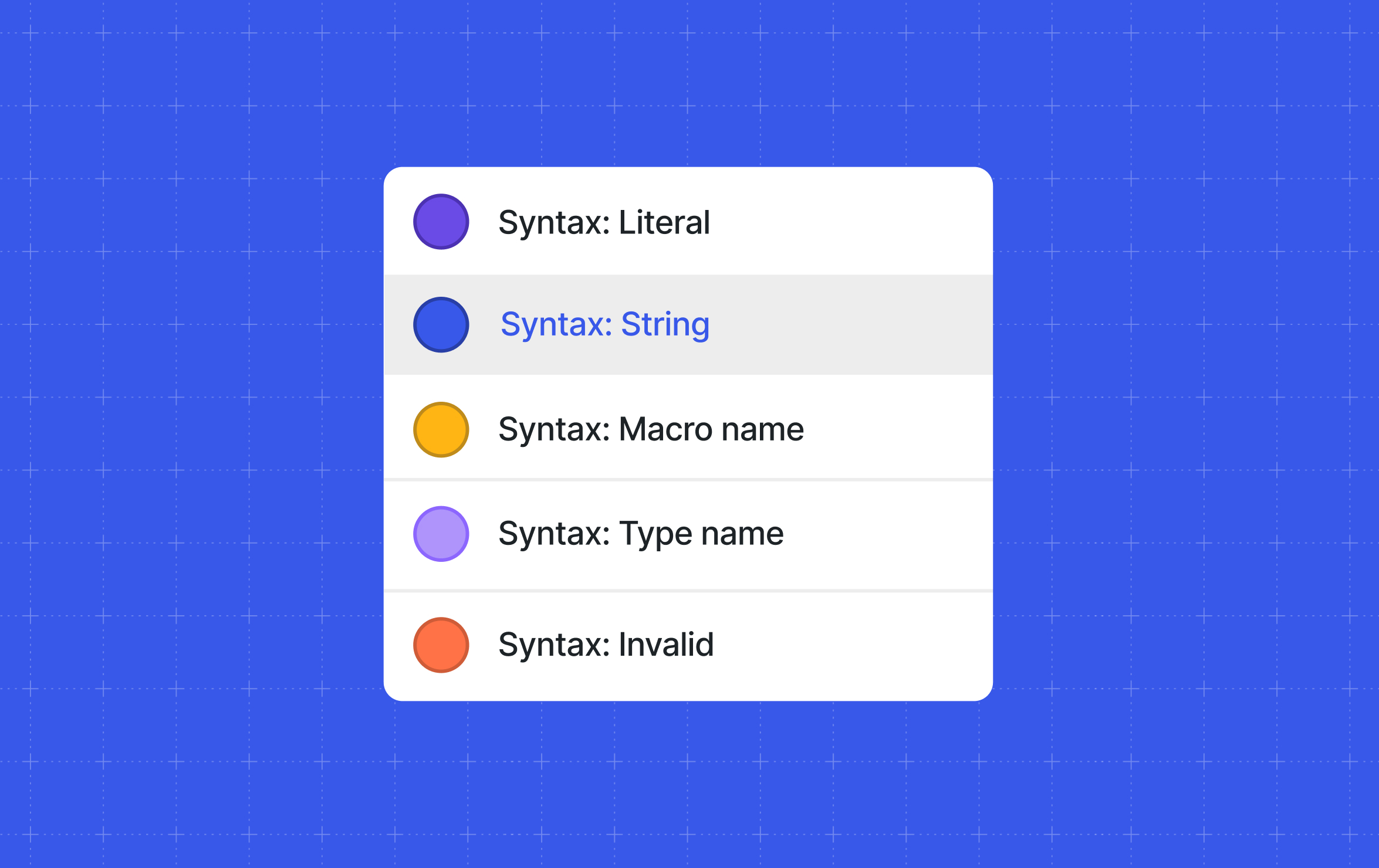
The block ships with four preset styles: Default, No Highlight, Solarized Light, and Solarized Dark. Users can also customize colors directly from the editor’s Styles panel, adjusting the appearance of various syntax elements.
Advanced Developer Options
For developers and theme authors, the update includes support for defining default syntax colors through the theme.json configuration file. This allows for site-wide styling of code block output.
Custom colors are set within a specific section of the theme.json file dedicated to the core/code block. Developers can specify colors for different syntax types, such as comments, keywords, strings, and literals, using hex codes, RGBA values, or CSS custom properties.
This theme.json support is a custom addition built by WordPress.com developers, as the standard WordPress software does not currently support this level of color customization for the Code block through that file.
Implications and Next Steps
The enhancement is positioned to benefit technical bloggers, educators, and developers who regularly share code on their WordPress.com sites. By making code more legible and easier to interact with, the update aims to improve the reader experience for tutorials and documentation.
The rollout appears complete, with all features currently live for users. The development follows a pattern of incremental improvements to the platform’s content creation tools. Future updates to WordPress.com’s editing experience are expected to continue focusing on user-requested functionality and integration with modern web standards.
Source: WordPress.com Blog